HARU PHOTO BOOTH / Features
AI
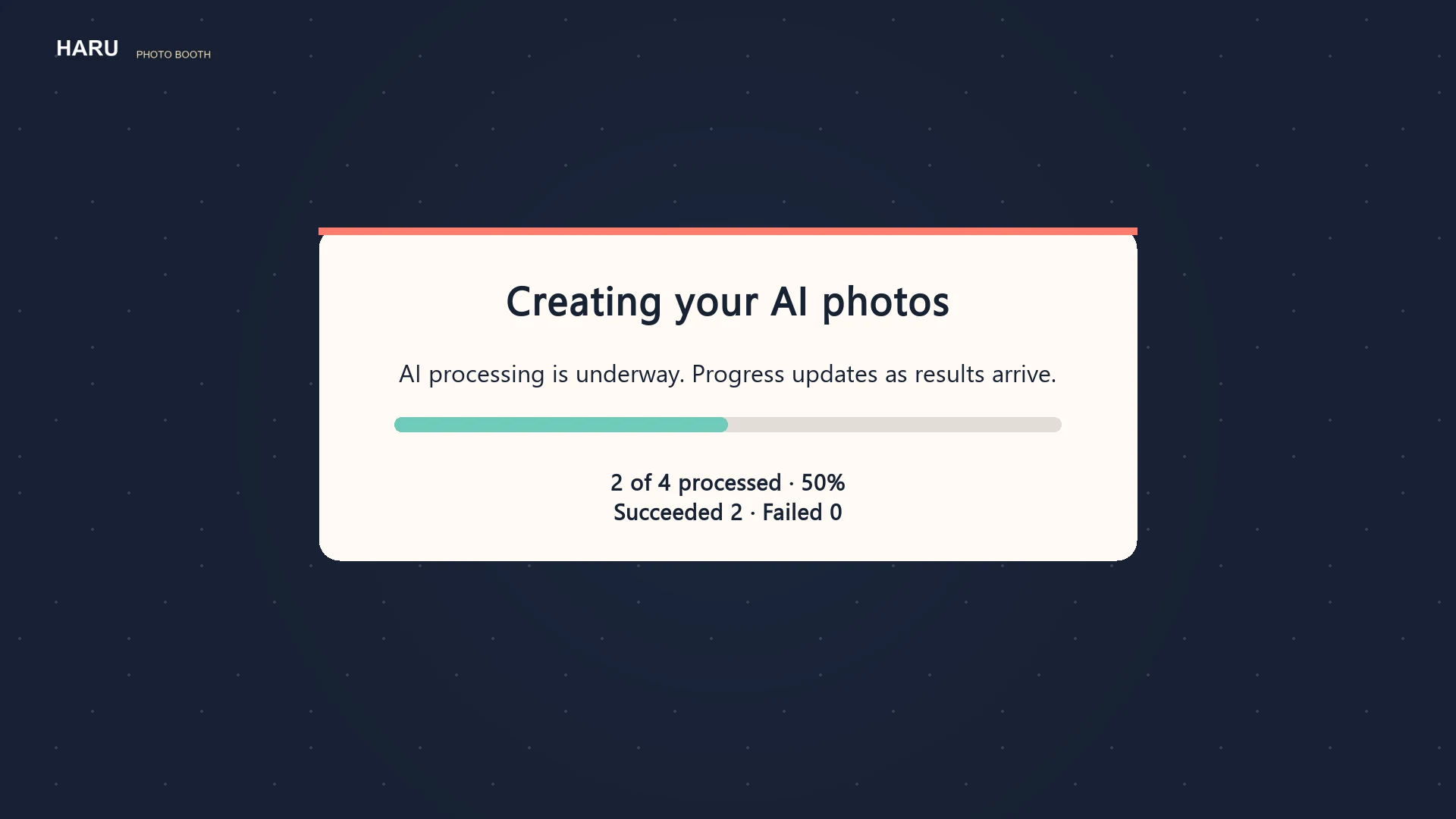
After consent, four original photos are captured and processed individually by the configured AI service. Only returned results are shown, and the originals remain available. Select and order four originals or available results, then choose a frame and style separately.
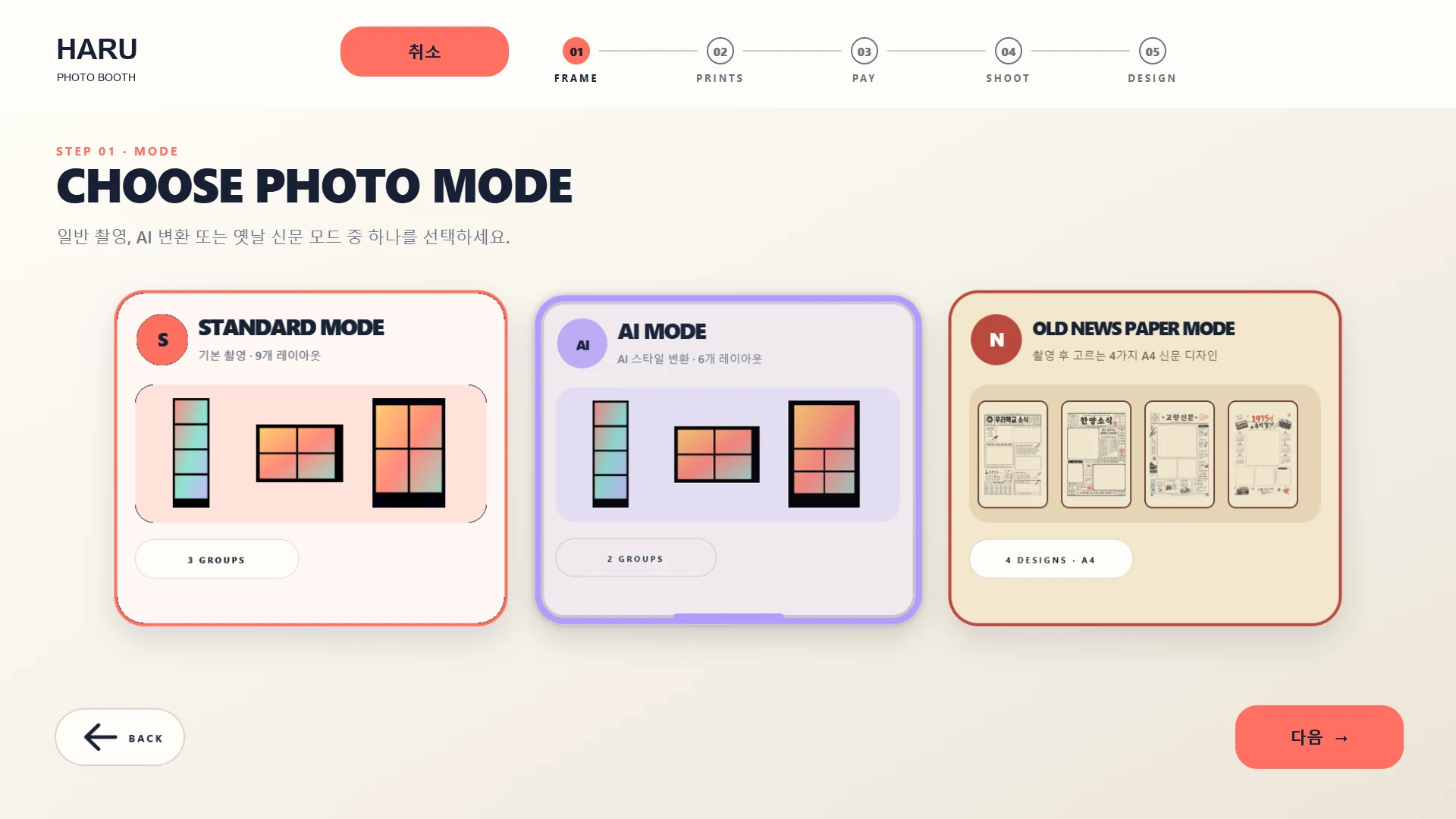
Mode and features
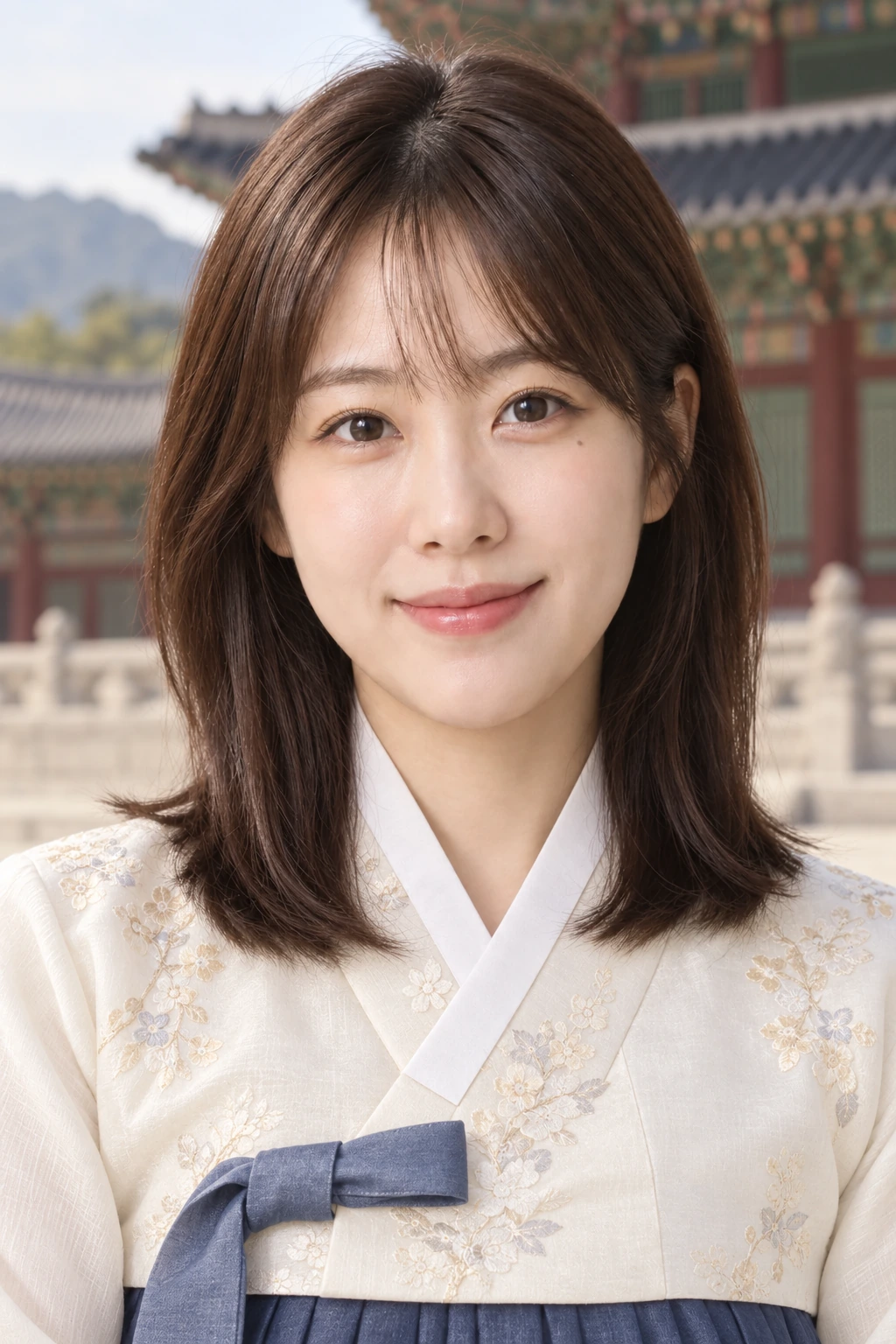
Gyeongbokgung style example
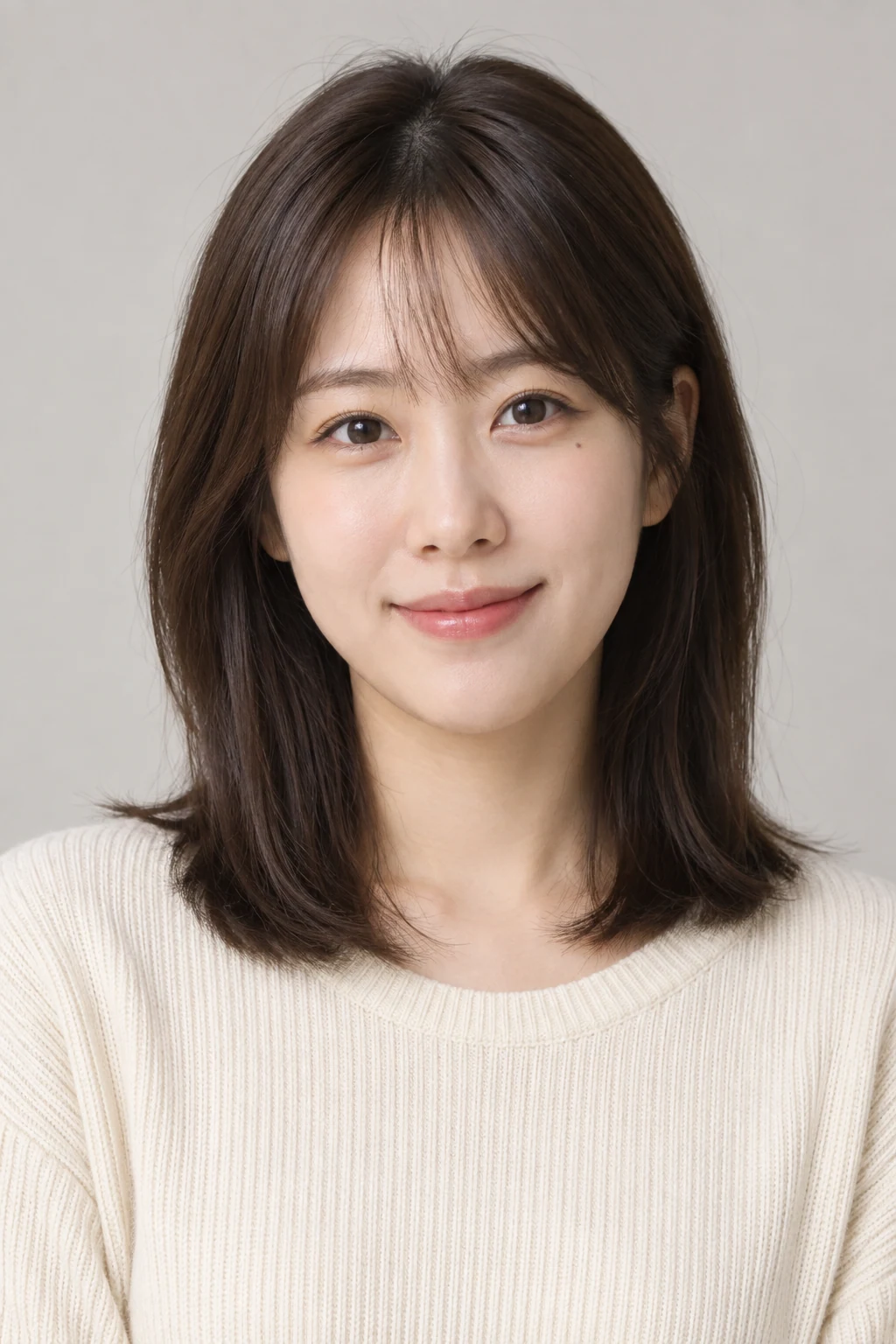
A portrait style example inspired by palace colors and scenery.
Three AI result examples from one portrait: Gyeongbokgung, hanok and Korean profile studio. They are configurable style directions, not a claim that these presets ship by default.
How it works and setup notes
After consent, capture four originals and process each photo with the configured AI service. Only returned results appear; originals remain available. Select and order four originals or available results, then choose frame and style separately.
- After consent, capture four original photos. Choose the frame and style separately.
- The configured AI service processes each photo individually. Only returned results appear; originals remain available.
- Select and order four originals or available results, then design and preview the four-cut layout.
The progress capture shows an illustrative sample status, not a live generation result.
Sample screens